







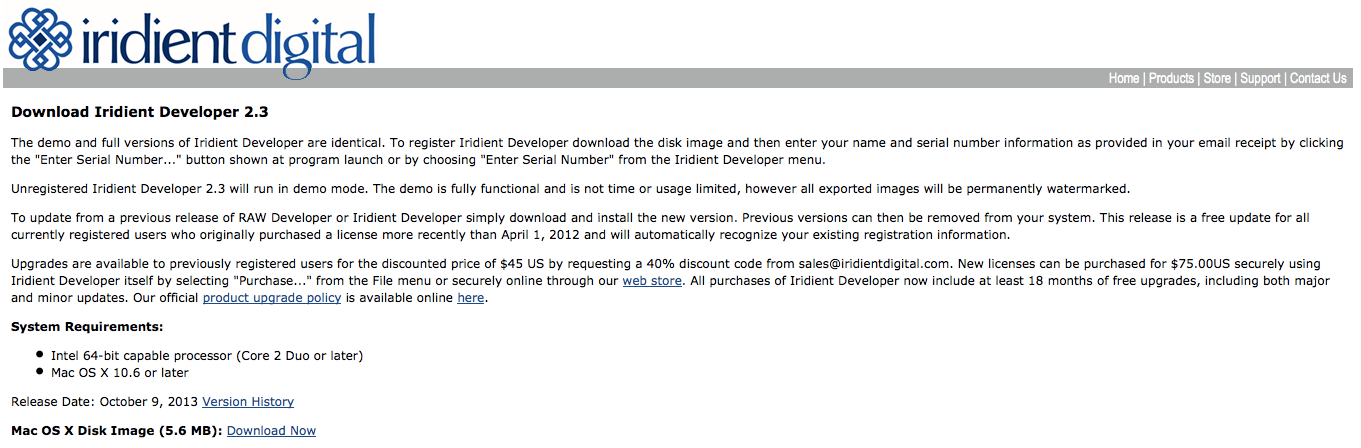
Version 2.3 of Iridient Developer is available now! Brian told me that the latest version of his software:
“includes support for the Fujifilm X-A1 and also adds support for automatic chromatic aberration corrections based on RAW image information for almost all recent Fujifilm cameras (all the X-Trans models plus many others like the [shoplink 12885 ebay]XF1[/shoplink], X10, F900EXR, [shoplink 14383 ebay]HS50EXR[/shoplink], HS35EXR, SL1000, etc). This release fixes a Fuji related bug with DNG image converted from some of the EXR sensor models. Most all of the recent Fujifilm models now have all RAW lens corrections (distortion, chromatic aberration and vignetting) enabled by default.”
The new version can be downloaded here.
The full release notes for this and all previous version are available here.
X-A1 vs X-M1 Shootout update
Rico didn’t lose any time and already updated his X-A1 vs X-M1 Shootout with the latest version of Iridient. Check it out on Flickr here. Feel free to leave a comment about what some call “the best X-Trans converter software” up to date.
cheers
Patrick
38 Responses
Wow, does Rico even sleep. 😛
Sleep is overrated. In any case, please play with the files and use different sharpening settings and methods in order to come up with results that personally please you. There are plenty of options to explore.
Iridient is good, so good I no longer use Lightroom application on my Mac. It is unfortunate Iridient is only for Apple platform and not Windows. I can not recommend to my colleagues. 🙁 Any tips of what I can recommend? Thanks!
Photo Ninja or Capture One Express?
Interesting, a lot of ugly Sharpening Halos with iridient. (white edges between the roof and blue sky, or google the term to see what i mean. It’s everywhere when you know what it looks like … so maybe don’t look it up. 😉 )
While Photo Ninja properly shows true detail, hardly any sharpening artifacts at all. But, is there any way around the HDR look though (total lack of shadows). These were the default settings ?
Here’s a side-by-side crop of the effect: http://goo.gl/4FYmIB
Yes, it seems to have a very aggressive sharpening on the X-M1 files. Lots of white halos, but the X-A1 is quite better:
http://imageshack.us/photo/my-images/689/5dmc.jpg/
I got mostly rid of the halos in Iridient by using hybrid sharpening with zero softening and set only to 3.
Still Photo Ninja seems at least as good. I see the Ninja “HDR look” too – but not in all of my images…? I used the Black slider in the exposure panel, to get rid of that. sometimes setting the highlight slider back to zero helped too.
If it’s not consistent then that sounds like some auto correction with ranging strength depending on the scene. I wonder if that can be turned off then, it should. When processing a large amount of images i don’t want them all to look different .. and waste loads of time getting them to match up naturally. Oh well i’ll try the demo sometime.
Sure, you can switch of everything. I simply used settings that looked similar for the direct A1/M1 comparison, it’s not about getting identical “looks” from all RAW converters, after all, which converter should set the standard?
Remember, this is NOT a RAW converter comparison, it’s a camera/sensor/CFA comparison, and I am using a variety of different RAW converter options to demonstrate that different post-processing software is at least as important as factor as sensor hardware, AA filters and different CFAs.
Yes I know these things.
A converter should be natural and consistent, two very different points, that is what the standard should be. Obviously Ninja does something very differently compared to the other converters (those do look natural) unless you just decided to suddenly make a hdr artwork out of the Ninja comparison only, for no apparent reason.
Try messing with the Smart Lighting options.
I bought Iridient few months ago…but now I prefer Capture 7.1.4 (very very good raf reader/editor)
IMHO Iridient must introduce some auto-mode or preset fuctionalities with the ability to “understand” the type of exposure made (spot, center) (like aperture) etc etc and some meta data editor option.
don’t?
Right now, I get a little bit “cleaner” results from Capture One and Photo Ninja, but that might be my fault, not setting Iridient up right.
Iridient is a very impressive converter: small, very very flexible, good highlight control.
Bottom line: I don´t know, which is my favorite converter these days: Capture One, Photo Ninja or Iridient? The good thing is: every major software now supports Fuji, only DXO Optics Pro and some ACDSee Stuff doesn´t support the X-trans – that´s great!
…so Fuji:
Now it´s time to bring out the X-PRO 2 with that new 20MP X-trans sensor and lightning fast AF 😉
so Fuji, now you have shitloads of X cameras, let’s make X-Pro1’s successor a Pro camera properly, larger sensor and less temperament 😉
Agreed! Enough with the entry-level cameras. Bring out the X-Pro 2 with a larger sensor and faster, more accurate AF. And, make sure that it has minimum shutter speed settings in auto ISO. It is shocking that it has not been introduced in a firmware update to date.
With X-Pro1 they have beautiful camera to use, all controls are where they should be (after FW update and AF point control). All they need to do is add proper weather sealing and functioning AF.
The reason for going FF apart from obvious benefits could be also:
– Pro would be a pro camera, weather sealed with FF lenses built to the same standard and weather sealed too
– Start with 27-50-90 fast primes
– Remove by-wire focusing and electronic aperture and replace both with properly mechanically coupled ones
– I would add digital split image as an overlay to OVF – like a RF patch
– Make it feel more robust, better made
now looking at my comment… hmm, maybe I should really start to save money and get Leica 240 instead of wanting Fuji to release something they won’t 🙂
Yep, as nice as the XP1 is, the camera you describe is the M240. Luckily there is a 12 month wait list … so lots of time to save, and look for reasonably priced lenses.
I think Fuji is making a very conscious decision not to compete directly against Leica, or Sony or anyone else. So no point waiting IMO.
@Tim – yep, would compliment my M6, my only worries are with 240:
– a lot of problems with them, freezes
– in MF assist via evf/LCD you can zoom only on the center area
– idiotic placement of front button for MF assist/exp compensation
– frame lines require camera to be on
– no frame lines switch for preview
– not so great high ISO
so 240 has some problems too and a bit of a split personality. I guess I’d use it in good old ‘M’ way
24 is the new 20. 😉 Fujinon glass can handle it,
and a nice 4TB disk only costs €150-175.
Also, the difference is a lot smaller than you’d think.
24MP = 6000×4000
16MP = 4900×3300 (4896×3264)
For me, more pixels are not a requirement, better quality of pixels would be more beneficial. I got out of the pixel race 5 years ago.
I’ve never been in it. Doesn’t change the fact that i would prefer a 24MP camera.
So, what about CA correction on X-A1?
Iridient supports CAs with all recent Fuji cameras and lenses, aka those cameras that write CA correction information into the RAW metadata.
I would be curious to see how Lightzone fares in these tests.
I read it doesn’t rely on dcraw for xtrans conversion.
Unfortunately it doesn’t seem to support XA1 nor XM1 raw files yet.
Lightzone is based on DCRAW and as of my last check not the version that actually support X-Trans correctly which is 9.19.
Lightzone can process X-E1 raw files without problems.
I read on their forum it uses a home-made algorithm (VCD based ?).
The XM-1 is the same sensor from the xe-1, so should be supported.
I don’t know why, but it crashes when I try to open Rico’s raw files…
Fuji is to be highly commended for their development/business/marketing model for the X line of cameras. Each camera is designed to survive in a highly-competitive space, capture a particular global/domestic/demographic market, and return a reasonable profit to help ensure the continued existence of Fujifilm. The coming refreshes for the upper-end Xs is exciting. And yes, we all would like to believe we could buy a Leica full-frame at an X price. Dreaming is ok as long as you remember it’s dreaming.
Nobody wants a Leica for Fuji price. I wouldn’t mind paying more for FF system from Fuji if it would be based on X-Pro1, just better, more solid, could withstand elements and be a more dependable tool. My M6 is definitely more dependable tool despite being fully manual (can’t be asked to replace battery to bring metering back to life).
You guys pining for full frame need to go buy something else. Fuji ain’t going there.
I expect an updated version of the 35mm and 60mm macro when the X-Pro2 comes out. They both need a way faster focusing motor and the 60 to be a true macro. I don’t mind if they become a bit beefier in size.
I can’t wait for Sony’s full frame mirrorless cameras to come out.
I think im going in FF with sony instead of taking a xpro2
XA1 looks sharper than XM1?