










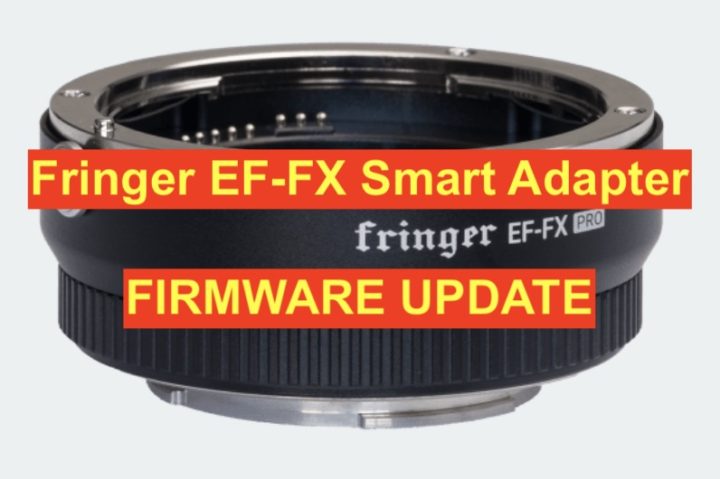
Fringer EF-FX Smart Adapter
Fringer Press Text
Finally, X-H1’s IBIS works properly!
The new firmware has changed IS control logics of both IS lenses and camera’s IBIS functions.
– For lenses with IS (or OS/VC)
When IS switch on the lens is on, IS function is controlled by camera menu. Mode 1 (Continuous): IS function is always on. Mode 2 (Shooting only): IS function is activated when shutter release button half-pressed and deactivated about 2 seconds after its release. Be noted that if camera body has IBIS, it will be disabled if a lens with built-in IS function is installed.
– For lenses without IS function installed on a camera with IBIS.
Begin with V2.20, IBIS function of X-H1 works properly. It’s controlled by the menu, i.e. Mode 1 (Continuous), Mode 2 (Shooting only) and OFF, which is similar to native XF lenses without built-in IS function.
Be noted, IBIS performance of lenses longer than 100mm may be poor.
In addition to IS function change, following lenses have been added to tested and opimized lens list.
And following lenses have been improved in AF performance or new lens firmware compatibility.
- Sigma 50/1.4 ART
- Sigma 85/1.4 ART
- Sigma 17-50/2.8 OS
- Sigma 50-100/1.8 ART
- Sigma 24/1.4 ART
- Sigma 135/1.8 ART
Visit my website to download the detailed release notes and V2.20 firmware file.
Make sure current firmware of your adapter is V2.x before installing the new firmware. If it’s V1.x, please install V2.10 first. Read the release notes for more details.
Fringer EF-FX Pro adapter is open for pre-order now. This batch would begin to be shipped before August 3. Please visit my web store to place your order.
Thank you!