








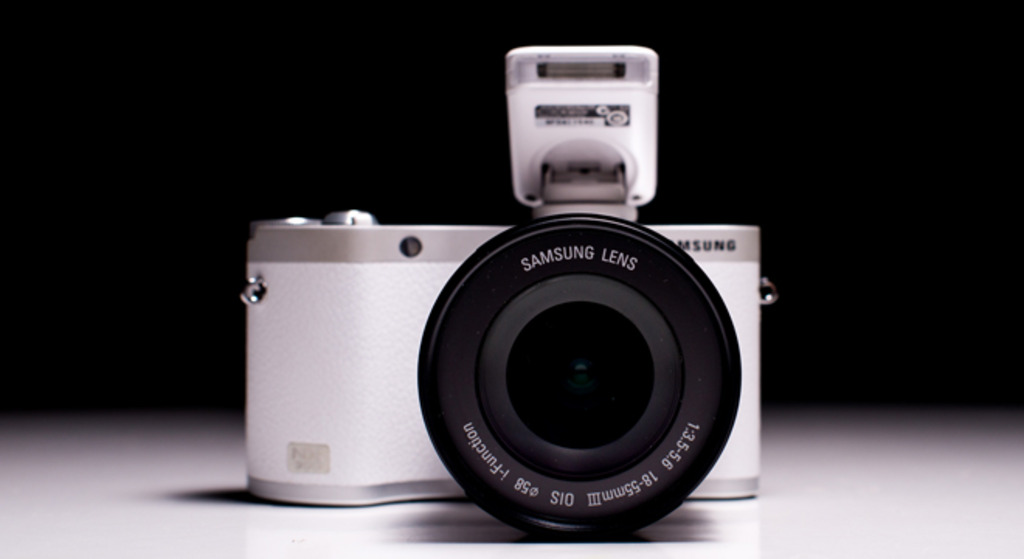
Hello everybody. There are plenty of reviews of NX300 online but here is a special one. I continue reviewing my mirrorless stuff in long term point of view. I’ve been using this camera for 8 months and it’s time to share my personal long term experience with the world.
You can find the review here: Samsung NX300 user review by NXcamera
?Also here is a video compilation of my photos taken with this camera:
6 Responses
Great shots with a great camera by a great photographer.
My favorite is the watermelon shot.
Now I can go read your review.
Thanks, I’m glad you like the photos 🙂
Hi Lukas,
Your NX300 review was very informative and complete.
One issue I think you did not cover is the camera’s Wifi functions do not work with RAW files.
I almost always shoot my NX300 Raw+Jpeg and use my Eye-fi card which quickly transfers both Raw & Jpegs to my Nexus 7 2013 tablet.
I can even adjust the actual Raw files on my tablet using the Photo Mate 2 app.
(some apps use only the embedded jpeg in raw files and not the actual raw file.)
When I do want to use Remote Viewfinder I have to insert a non Eye-fi card because the Eye-fi card closes the Camera/Tablet Wi-fi connection and opens its own connection to transfer a newly captured image using Remote Viewfinder.
If you use a tablet I suggest you get the Eye-fi Pro card.
Thank you for the NX300 Long Term Use review.
Hello,
you are right, I think transferring RAWs is still unavailable. But as I wrote I almost never use WiFi so I forgot to mention it. Also I wanted to try the latest samsung apps for its cameras but I have only iPad version 1. I can’t run the latest version of its apps on it because they require latter iOS. And latter iOS versions don’t run on my version of iPad. I still find more comfortable to transfer photos by classic way with SD card. But I think WiFi can be very useful on some events when people want photos immediately. You can edit the photos in the camera and then upload them for example on facebook.
Nice. Are you part of the samsung imageloggers program?
No, but I would like to if there was such opportunity. Do you know something more about it? And thanks.