







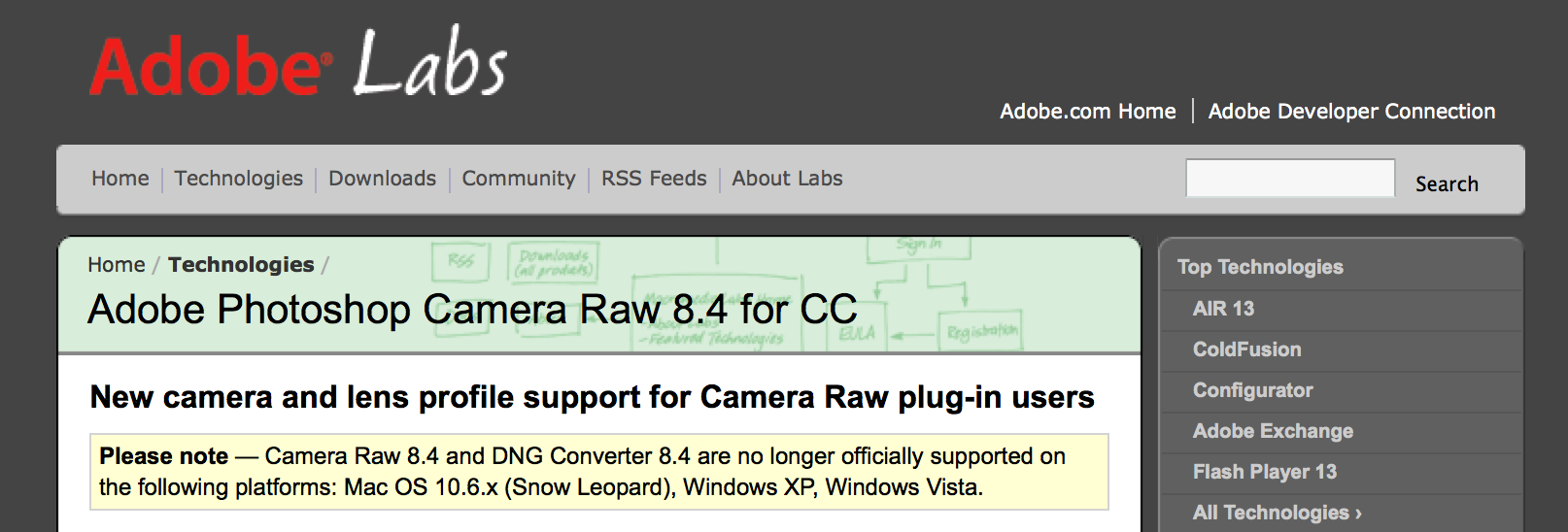
Well, this is a big release for Sony camera and lens owners! The new Adobe Camera RAW 8.4 release candidate not only adds RAW support for the new SOny mirrorless cameras, it also added lens profiles for a long list of Sony lenses:
| Sony E PZ 18-200mm F3.5-6.3 OSS | Sony E |
| Sony 20mm F2.8 | Sony Alpha |
| Sony 24mm F2 ZA SSM | Sony Alpha |
| Sony 35mm F1.4 G | Sony Alpha |
| Sony 50mm F1.4 | Sony Alpha |
| Sony 50mm F1.4 ZA | Sony Alpha |
| Sony 50mm F2.8 Macro | Sony Alpha |
| Sony 85mm F1.4 ZA | Sony Alpha |
| Sony 85mm F2.8 SAM | Sony Alpha |
| Sony 135mm F1.8 ZA | Sony Alpha |
| Sony DT 11-18mm F4.5-5.6 | Sony Alpha |
| Sony DT 16-50mm F2.8 SSM | Sony Alpha |
| Sony DT 16-80mm F3.5-4.5 ZA | Sony Alpha |
| Sony DT 18-55mm F3.5-5.6 SAM II | Sony Alpha |
| Sony DT 18-135mm F3.5-5.6 SAM | Sony Alpha |
| Sony DT 30mm F2.8 Macro SAM | Sony Alpha |
| Sony DT 35mm F1.8 SAM | Sony Alpha |
| Sony DT 50mm F1.8 SAM | Sony Alpha |
| Sony DT 55-200mm F4-5.6 SAM | Sony Alpha |
| Sony DT 55-300mm F4.5-5.6 SAM | Sony Alpha |
Download links:
Adobe Photoshop Camera Raw 8.4 for CC (Click here).
Adobe Photoshop Camera Raw 8.4 for CS6 Release Candidate (Click here).
0 Responses
Hmm… Will they be added to Lightroom too? There are no profile for DT 50 and 35 (For instance, A5000 and A6000 are supported in DxO since last update).
It will probably come with the official update, which is probably close to release.
Yes, it’s the same code. ACR lies under the LR UI Develop module. Expect a LR update at the same time as the official ACR release and possibly a Release Candidate before that.
I wonder how long it will take them to make a profile for the FE 24-70 cause that lens desperately needs it according to early reports. Lets hope the get that done quick
I have Photoshop CS6 and the FE24-70f4 does show up under Sony FE lenses.
+1 on the LIGHTROOM SUPPORT … and 24-70mm f4 ZA OSS FE
well, a -1000 for this being locked into the CC platform only 🙁 🙁 🙁
Do you expect adobe to create lens profiles for non-adobe software?
would be nice, no? but then a support for older versions of PS seems like a minimum requirement
Photoshop & Lightroom are written to work with adobe camera raw. Adobe cannot modify apple aperture to function with ACR or other applications from other developers.
It is available for CS6 also:
http://labs.adobe.com/technologies/cameraraw8-4/?tabID=details#tabTop
This it’s really good news. I’m happy!!! The ZA85mm f1.4 I got was going into the proverbial trash… never seen such awful CA before and it takes forever to dial in proper correction. I pray these profiles make a difference.
Using the camera raw filter lens corrections; moving the purple slider to the right to about 4 removes all the CA I can see.
…if only color fringing in high contrast transitions wad the only issue 🙁
All my ZAs CA alot. But the picture worth sufferings =)
Nooooo! Die sony A-mount and E-mount, die! Screw all the Sony owners like they deserve for being so dumb and not buying Canon, the REAL camera company.
Mental retardation strikes every ten seconds.
Why wouldn’t you want all the inferior photographers to use Sony? This means more, superior, equipment for you to make benefit glorious nation of CaNikon. Think it through.
I used to like Canon products, but after using a A99 for a year I can’t go back. It’d be the equivalent of replacing my flat screen with a tube TV or trading my Mac Pro for a Dell.
Completely agree. I tried my brothers newly acquired D7000, and in comparison to my A65, I feel like I’m using an old Minolta XD7.
Don’t get me wrong, XD7 is a great camera. I own one and my girlfriend regularly has fun with it (she’s into B&W film stuff), but its already a relic.
I just can’t get myself to go back to optical viewfinder. Every time I pick up a camera with OVF, i feel like i’m looking through a keyhole.
That is the most pathetic statement I’ve seen in weeks.
Its like saying we should all drive Fords
This is obvious. He’s a Troll and wanted to stir up some fire. It is completely irrelevant whether he likes Canon, Nikon, Pentax or even Sony for that matter. He just didn’t expect for people to show restraint and not to fire back at him and just skip over that stupid comment. I guess he will not be back trolling here again.
Anyone else using Darktable around here?
Thanks for the tip, I downloaded this program and have been looking it over and looks promising.
Wow – that’s quite the update!
I opened a raw photo. In the Lens Correction, I enabled Lens Profile Corrections.
I can see Sony as Lens Profile Maker but I don’t see “Sony DT 16-50mm F2.8 SSM” in the Lens Model and Lens Profile.
The only available option is “Sony DT 18-200 f/3.5-6.3”, which is not even in the list for Adobe Camera RAW 8.4 release.
How do you use it then?
Select auto or enable lens correction then choose your lens manufacturer and select the lens model. If you do not see the appropriate profile then your computer does not have it installed. If the profile exists, try updating the camera raw and editing software.
Sony added profiles for the cz 24-70mm and 16-35mm lenses last time around. They have been helpful.
If the A5000 is the new NEX 3N and the A600 is replacing the NEX 6. Where is the NEX 5T successor and what will it be called since the 5000 same is taken.. by a camera that should have been called A3000.
Am I the only one who is finding this confusing.
If the A5000 is the new NEX 3N and the A600 is replacing the NEX 6. Where is the NEX 5T successor and what will it be called? Since the 5000 name is taken… by a camera that should have been called A3000? 😮
Am I the only one who is finding this confusing?
Disappointed that the new FE 24-70 f/4 is not included in the lenses supported yet.
Ah, I see that Christopher mentioned that that lens was already supported. i had missed that. Thanks!!! 🙂
oops, Christopher was referring to the A-ount 24-70 so my original comment stands. i should just go back to bed.
Yes, I was referring to the a-mount 24-70, though this update looks like adobe is taking profiling of Sony lenses seriously finally.
Which is great news! They need to catch up on the minolta catalogue though (DXO has a much better selection of profiles there)
This is a beta release, the final version may be updated to include the most recent lenses.
Hope you are right 🙂
Adobe for sure doesn’t expect the a-mount to die anytime soon.
Has anyone else tried this version with an a7R RAW file. I installed this on one of my systems (Mac) and it now no longer recognizes a7R files in Bridge or ACR? My other systems with the current released version recognizes the files just fine.
Looks like the install killed my Photoshop installation on one of my systems – couldn’t view or convert any RAW files from any manufacturer after the update. Rolling back didn’t work either. Reinstalled and all is well. Will probably wait to do the 8.4 update until the actual release.
Adobe got back to me on what the problem is. This version
of ACR is NOT compatible with OSX 10.6.x or earlier. So if you are
running Snow Leopard or earlier, this update will install but it breaks
your version of Bridge and ACR forcing a complete reinstall of
Photoshop.
16-50 update..finally! That mustache distortion at the wide end was difficult to mitigate.
Thank you Sony and Adobe! Been waiting a long time, very happy to see this. Go Sony!
Eric Chan of Adobe got back to me on what the problem is. This version of ACR is NOT compatible with OSX 10.6.x or earlier. So if you are running Snow Leopard or earlier, this update will install but it breaks your version of Bridge and ACR forcing a complete reinstall of Photoshop.
Would those profiles work well with the Minolta counterparts? I own both the 50mm 1.4 and the 20mm 2.8. Could I use those Sony profiles?
Probably not unless it is exactly the same optical formula with the same lens coatings.
the optical formula are supposed to be the same as the Sony versions – but not the coatings. what about that? do the coatings affect distorsion and CA? what else do those profiles do?
so, wheres the 10-18mm f/4? wothless piece of list.