




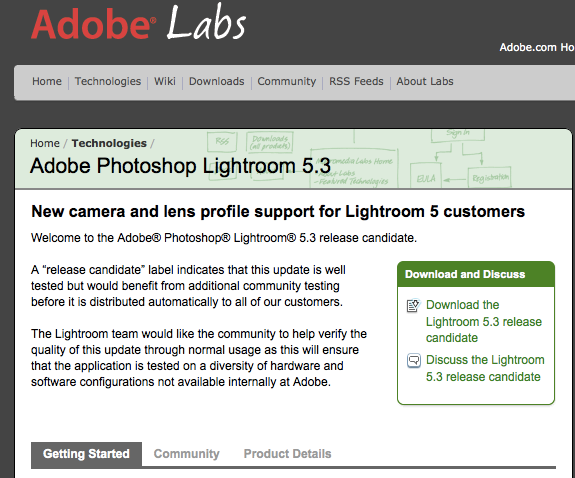
Lightroom 5.3 and Photoshop 8.3 release candidate are out with support for XQ1 and X-E2. Download at Adobe labs here.





Lightroom 5.3 and Photoshop 8.3 release candidate are out with support for XQ1 and X-E2. Download at Adobe labs here.
9 Responses
X-E2 manual, anyone? http://www.fujifilm.com/support/digital_cameras/manuals/pdf/index/x/fujifilm_xe2_manual_en.pdf
Other languages:
http://www.fujifilm.com/support/digital_cameras/manuals/#x
It works: http://www.flickr.com/photos/25805910@N05/10751186424/
Rico,
What can you say about the x-e2 raw files?
Size – are they bigger than x-e1 being 14 bits instead of 12 or are they compressed?
H
How is the dynamic range?
Any difference from x-e1 raw files at all?
DR is the same on the sensor, 14 bits could give better shadow recovery, though.
Bigger, same as X100S.
So which of the main software programs currently support the X-E2 and Fuji lense profiles? One?
It’s a pity DxO continues to stick with their decision about not supporting the X-trans sensor.
I guess if there is something Fujifilm can do about that because they work based on profiles for both the body and the used lens to take the photo.
LR5 is still sluggish as hell. It’s bogging down my whole system and my processor is runnig hot. After a while it even produces crashes (when fiddling with noise reduction for example). Every time I change folders it scans ALL the files in that folder and writes some information into the system volume information folder AND it creates previews on top of that. Why does it have to create previews all the time? Even after changing to another folder and then back it has to go through the whole procedure again? This is illogical. To make this matter whorse it doesn’t even seem to use these previews as they have to be created anyways when switching to full view.