









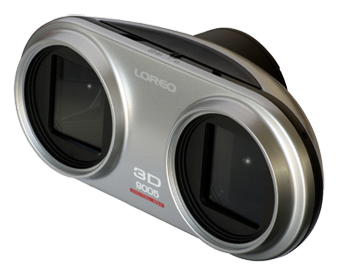
Don B. sent us following email:
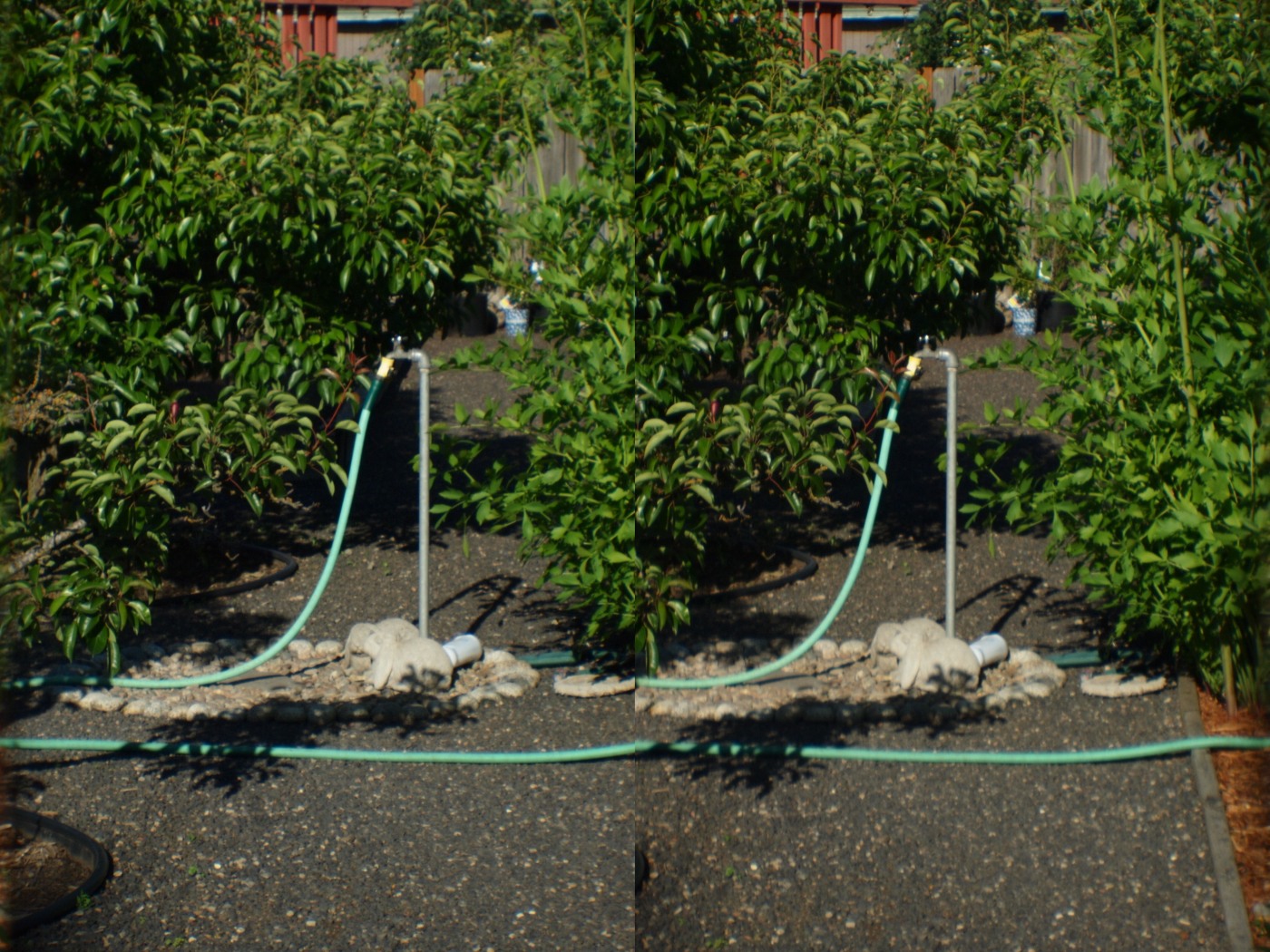
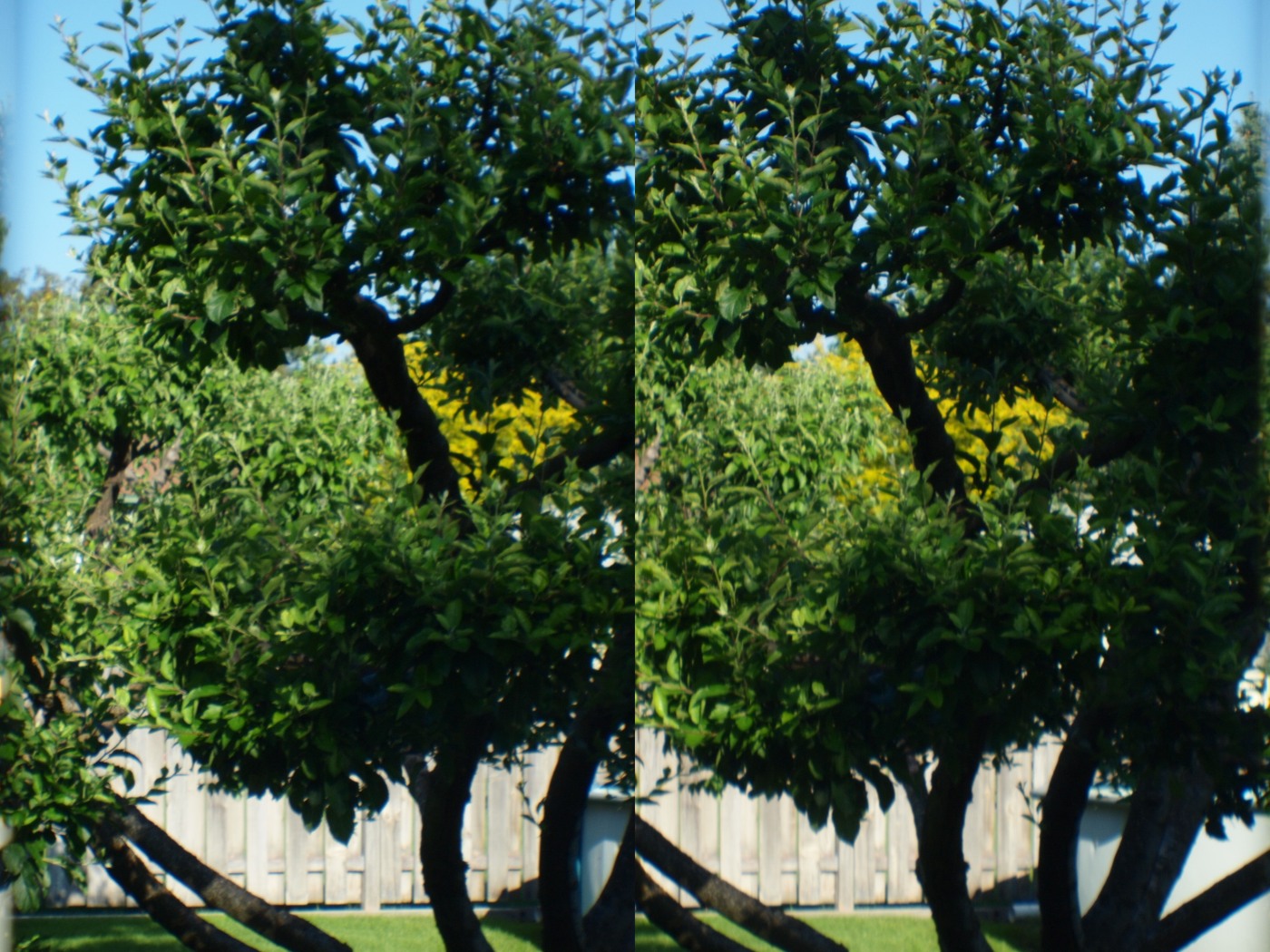
“I recently bought one of the m43 Loreo3D lenses that I read about on 43rumors. After looking on the web I noticed that a lot of the image examples that people put up aren’t as 3D as they should be (if at all) because the camera has to be absolutely level (left to right not up and down) or they won’t “fit” together right. The level indicator on the Pens makes this perfect every time. I also created a quick bash script to convert the images from the standard format, which needs special lenses to view, into the cross eyed format which for me has a much more dramatic 3D effect and doesn’t require anything but practice.
I attached the (very basic) script which is for a Linux system with imagemagick installed (Click here to download it). Place it in the same directory as the loreo format images and when run from a terminal will convert all JPG files to cross eyed format (assuming a full resolution 4/3 Pen image size). I also attached 2 sample cross eyed 3D photos shot with my ep2. They are a little harder than most cross eyed images to see for me but once you can align them correctly when crossing your eyes the 3D depth is awesome. It’s easiest to see them if viewed full screen on your monitor moving your head closer and farther to find the sweet spot.
I can’t wait to shoot some video and convert it to the cross eyed format.”
Click on those pictures to enlarge:
You can order the lens here: http://www.loreo.com/pages/shop/loreo_products_online.html
Thanks D.B.!
3 Responses
Those samples work for me… the 3D effect on the first is really nice…
Well, I just looked like a crossed-eyed head bobbing idiot for 2 mins.
They worked cross-eyed, but the content didn’t really demonstrate it to its best.