










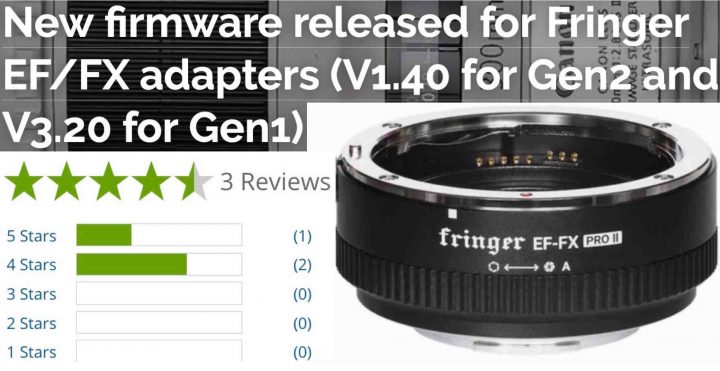
Fringer has released firmware updates for the following smart adapters:
- EF-FX Pro II v. 1.40 – EF-FX II v. 1.30 – release notes
- EF-FX Pro. 3.20 – EF-FX Standard v. 3.20 – release notes
Be noted: V2.10 is the new baseline version. V1.x must be upgraded to V2.10 before installing firmware V2.20 or later. Baseline version: EFFX210P.BIN (125,248 bytes, for Pro) EFFX210S.BIN (124,912 bytes, for Std.)
User’s manual download
Fringer EF-FX Pro II Customer Reviews at BHphoto
Full Update Details
For Gen2, i.e. EF-FX Pro II and EF-FX II, V1.40 firmware is released.
- Fixed PDAF issues for some lens of the following models: Lens didn’t get recognized by the adapter due to different lens firmware version.
- Bug fixed: Under some circumstances in video mode, the video recorded may suddenly become brighter or darker at 0.25 seconds from the beginning.
- Fixed compatibility issues with X-A7 camera. Be noted, since X-A7 is equipped with a none X-Trans CMOS, its AF performance is poorer when using EF mount lenses. Please use MF mode if necessary.
- Introduced smooth video AF for the following lenses.
- Added following lenses to the tested and optimized lens list:
Currently, Fringer EF-FX Pro II is on sale for the Black Friday and Cyber Monday. The sale will last for about a week. Order it now to get a 10% off discount!
For Gen1, i.e. EF-FX Pro and EF-FX, V3.20 firmware is released.
Unfortunately, the resources of Gen1 adapters are almost used up. Begin with V3.20, we will not add new lens support along with the new firmware for Gen2. In other words, no new lens data, only bug fixes.
- Fixed PDAF issues for some lens of the following models: Lens didn’t get recognized by the adapter due to different lens firmware version.
- Bug fixed: Under some circumstances in video mode, the video recorded may suddenly become brighter or darker at 0.25 seconds from the beginning.
- Fixed compatibility issues with X-A7 camera. Be noted, since X-A7 is equipped with a none X-Trans CMOS, its AF performance is poorer when using EF mount lenses. Please use MF mode if necessary.
- Introduced smooth video AF for the following lenses.
- BUG fixed: A very rare case that small number of products may cause camera to blackout and reboot aperiodically. This bug has been fixed by the new firmware.
Visit Fringer’s official website to download the new firmware, release notes and user’s manual.
To upgrade your adapter, connect it to a computer through a USB Micro B cable. Copy the corresponding firmware (.BIN file) to the emerged drive named “FRINGER”. Wait for 20 seconds. The adapter will upgrade itself.
Make sure you download the correct file for the corresponding product. For Gen1, i.e. EF-FX Pro and EF-FX, you need firmware file named EFFX****.BIN. For Gen2, i.e. EF-FX Pro II, you need firmware file named EFX2_****.BIN. Using the wrong file will not damage your adapter. But it will not install.