










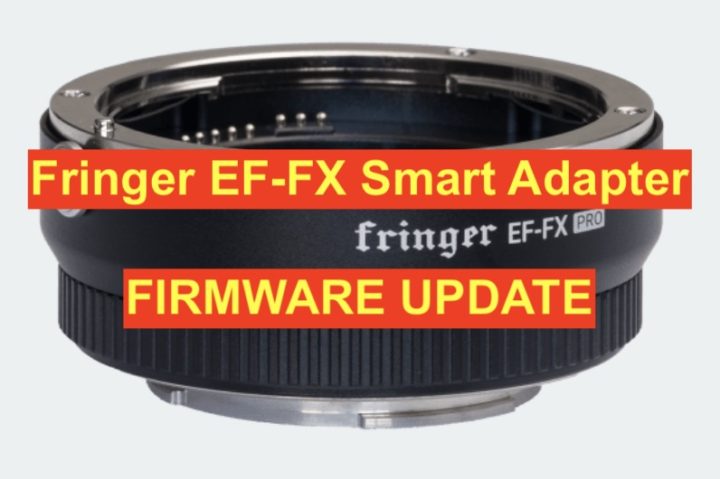
The first firmware update, i.e. v1.10, is available now. All Fringer EF-FX Pro adapters are suggested to be upgraded.
The new firmware mainly addressed following issues and added some lenses to tested and optimized lens list.
- Fixed IS not stable issue for some EF lenses.
- Fixed some compatibility issues for Tamron lenses.
- Added following lenses to the tested and optimized lens list: Canon EF 50/1.8 II, Canon EF 70-200/2.8L IS, Canon EF-S 17-55/2.8 IS, Tamron SP10-24/3.5-4.5 Di II VC HLD B023
You may download the new firmware and its release note as well as user’s manual from the official website.
Be noted there are two versions.
- EFFX110P.BIN for Pro version: Electronic aperture ring set aperture
- EFFX110S.BIN for Standard version: Camera command dial set aperture
You need a PC or MAC and a USB Micro B cable to upgrade the adapter.
- Connect the adapter to your computer.
- Find a new driver named “FRINGER” and copy new firmware to it.
- Wait for 10 seconds and then disconnect the adapter.
- Reconnect it again to check installed firmware version (VERSION.TXT on the adapter)
Read user’s manual for more detailed description on how to upgrade your adapter.