










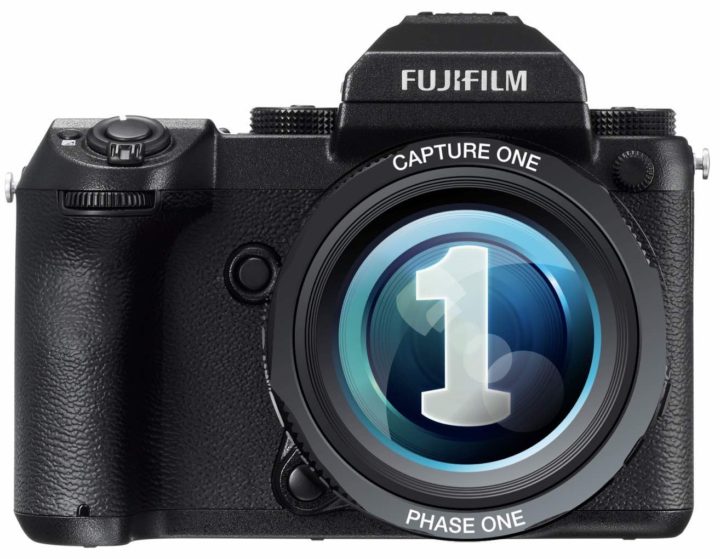

Capture One Vs. Lightroom (C1 Wins)
Comparing Capture One vs Lightroom on GFX50s file using RAF->DNG and manipulate EXIF-Data to PhaseOne IQ250 and no further editing. just opened as it is (lightroom zoom 1:1)
This little “hack” comes from our extremely active Fujifilm GFX facebook group, used already by several members like Jonas Rask, Chris Weiner and Sebastian Reinhardt.
You can open GFX files in Capture one with these simple three steps:
- Use Adobe DNG convert to batch convert RAF to DNG (no compression)
- Use something like Exif Editor to change camera name to “IQ250” (batch mode too)
- Open the files in C1, and you’re done!
This is NOT a captureOne Hack. But a RAF file hack.
(many thanks to Gary Tyson & Vladimir Kostka for their great support)
Below you see a screenshot of the settings that will allow you to use your GFX files with Capture One.
The GFX group is so active, I’m learning so many things about the camera. RAW files, Art Work, Tech Talk, Inspiration, Suggestions, Help… it’s all there, at our Fujifilm GFX community 🙂
And if all you want are news and rumors tailored to GFX only, check out our public GFX Facebook page.
Peace&Love
Patrick
